Clickable CTAs
Add primary and secondary buttons, control when they appear, and link to any next step.
- ✓ Shop a product or collection
- ✓ Book an appointment or demo
- ✓ Open a form, menu, or quote page
AI-powered interactive video
Show people what you offer with a short video that makes it easy to understand—and take the next step.
Free plan · No credit card required · One short embed
Works with the website you already have







Video should do more than play
A viewer is already paying attention. Reel Otter gives them a clear next move without making them search the page for it.
Add primary and secondary buttons, control when they appear, and link to any next step.
No usable footage? Describe what you need or start with an image, then turn the result into an interactive video.
Measure attention and clicks together, so you can tell which video and which action earn a response.
How it works
Keep the video you already have or create one inside Reel Otter. The interactive layer is the part that changes what happens next.
Use an existing video or make a new one with AI from a prompt and optional starting image.
Write your button text, add the destination URL, choose its timing, and style the player to fit your brand.
Paste the generated script into your site. The player adapts to desktop and mobile without a rebuild.
Review watch behavior and button clicks, then improve the video, its timing, or its call to action.
AI video creation
Describe the scene you need in plain language. Reel Otter can generate a short video, then take it straight into the same CTA, styling, embed, and analytics workflow.
Describe the setting, action, mood, and format.
Use a product or brand image as the visual starting point.
Describe your video
Interactive video
Plays
1,284
CTA clicks
146
Click rate
11.4%
Illustrative dashboard data
Conversion analytics
Views can tell you a video was seen. Reel Otter connects watch behavior with button clicks so you can see whether the video moved someone forward.
Use cases
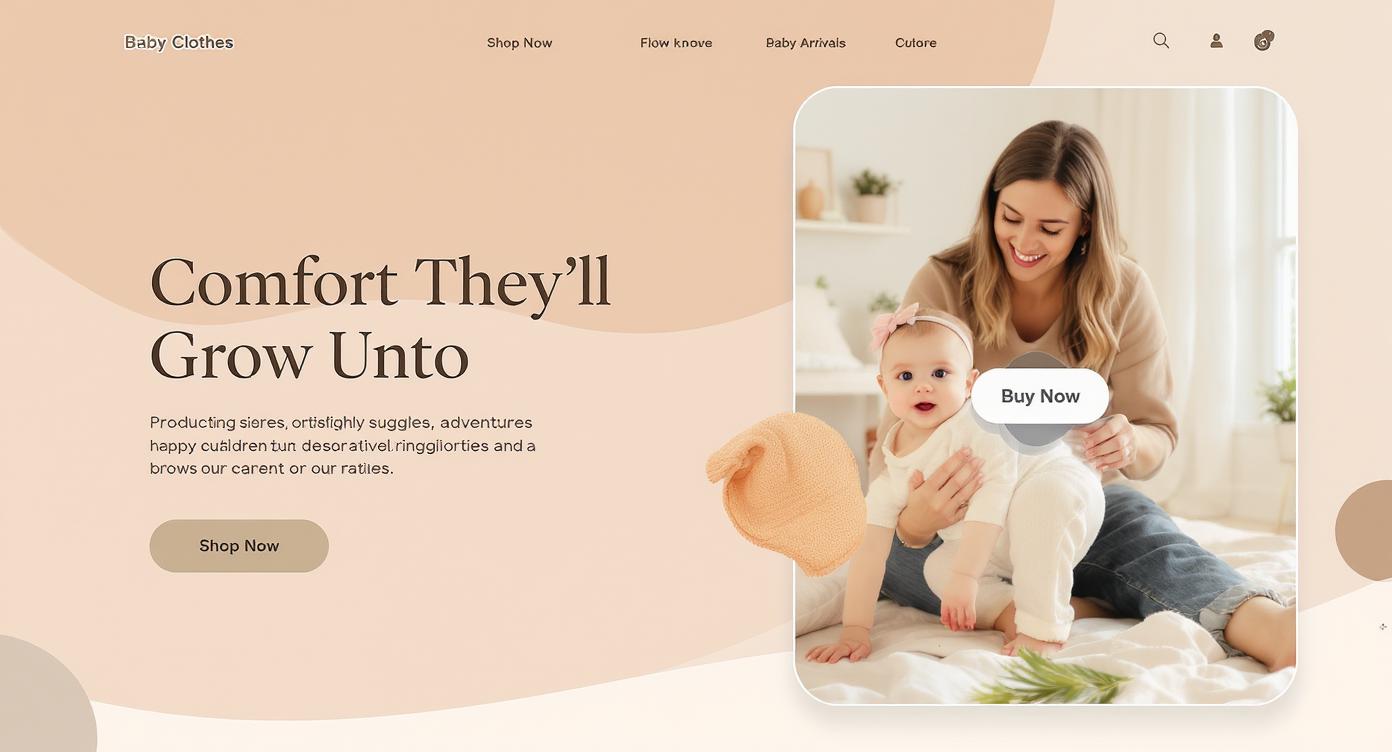
Demonstrate a product, then send viewers directly to the product page or checkout.
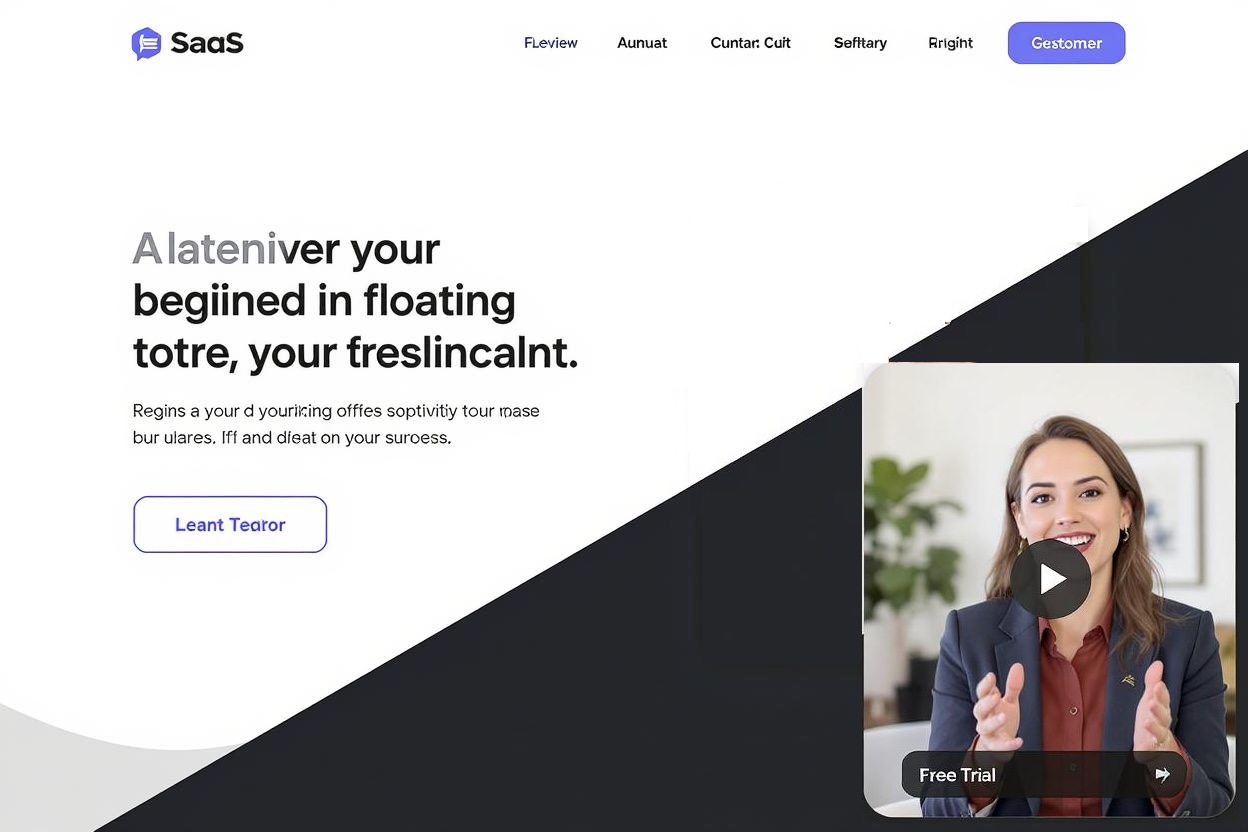
Explain the product or service, then open a demo calendar, trial, or contact form.
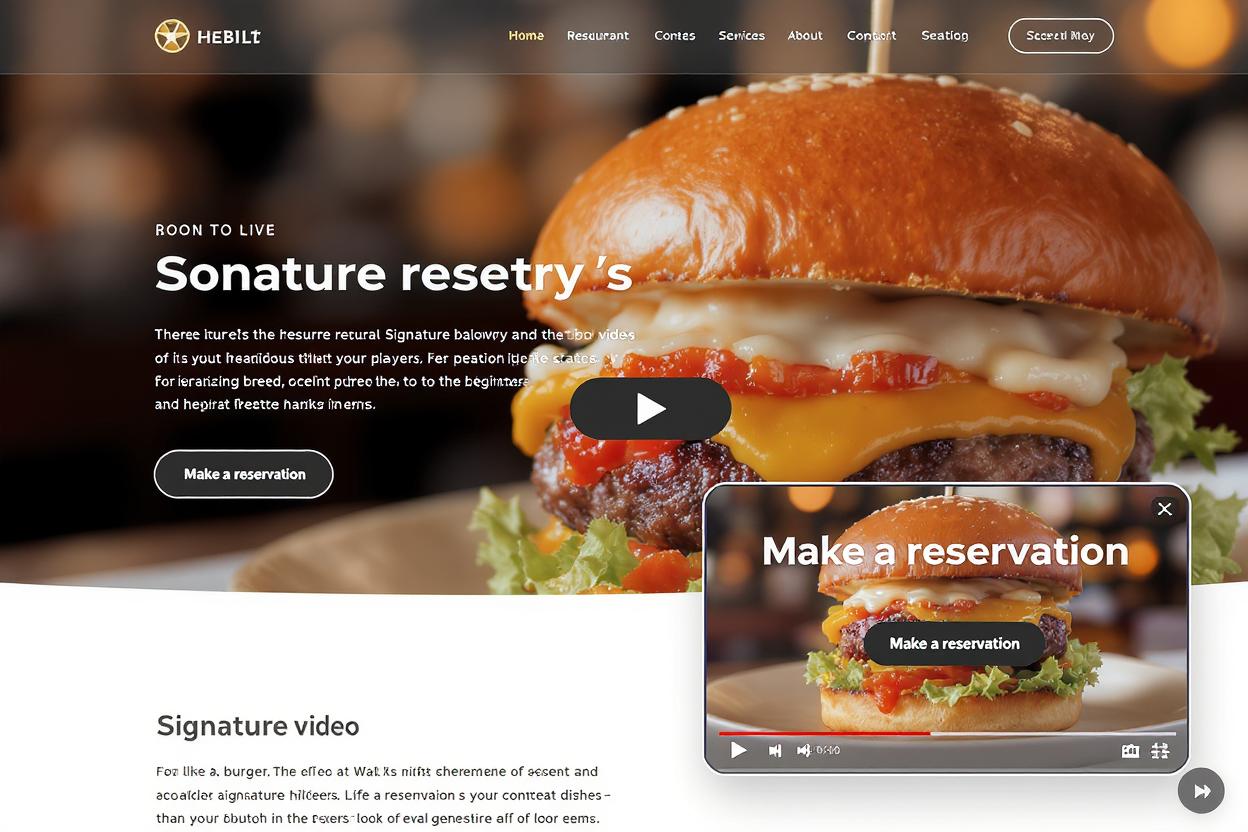
Show the experience, the work, or the team, then prompt a booking, call, order, or quote.
For restaurants →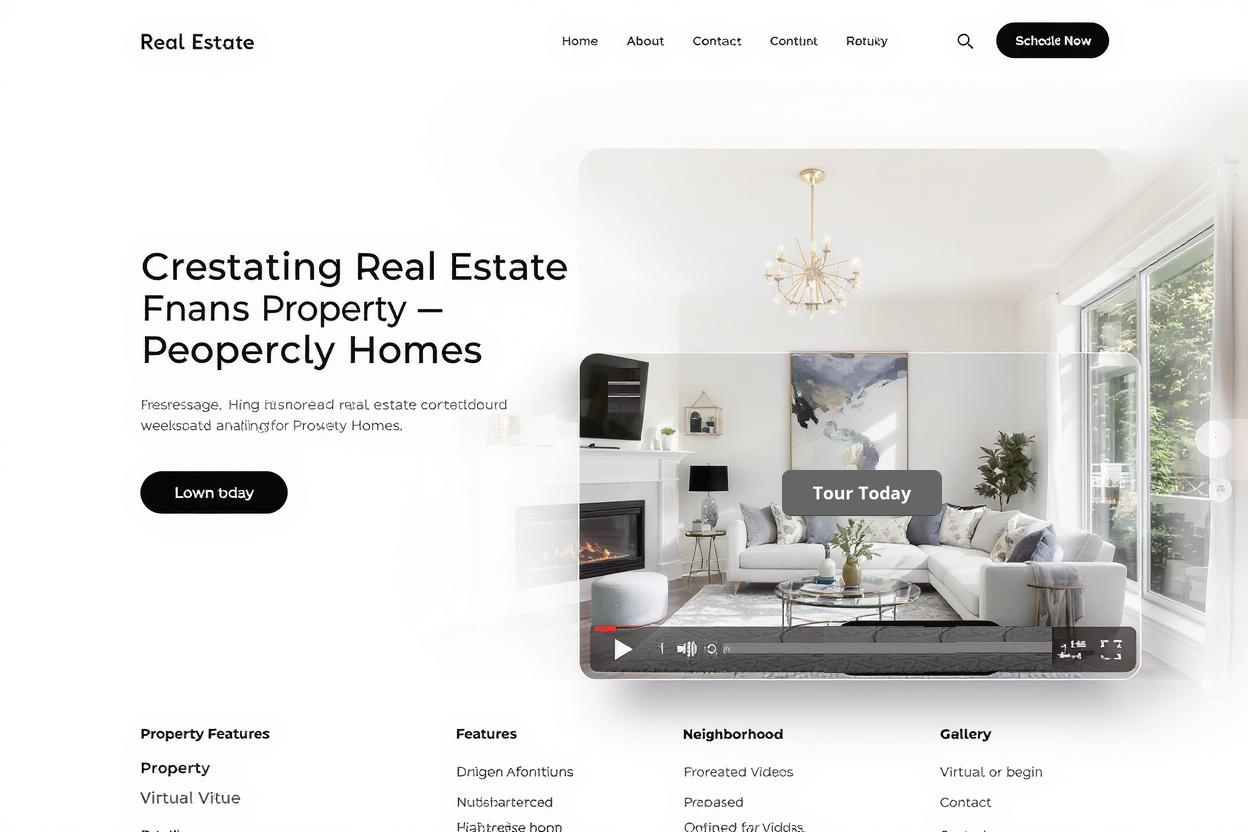
Turn a listing walkthrough into a direct route to enquire or book a viewing.
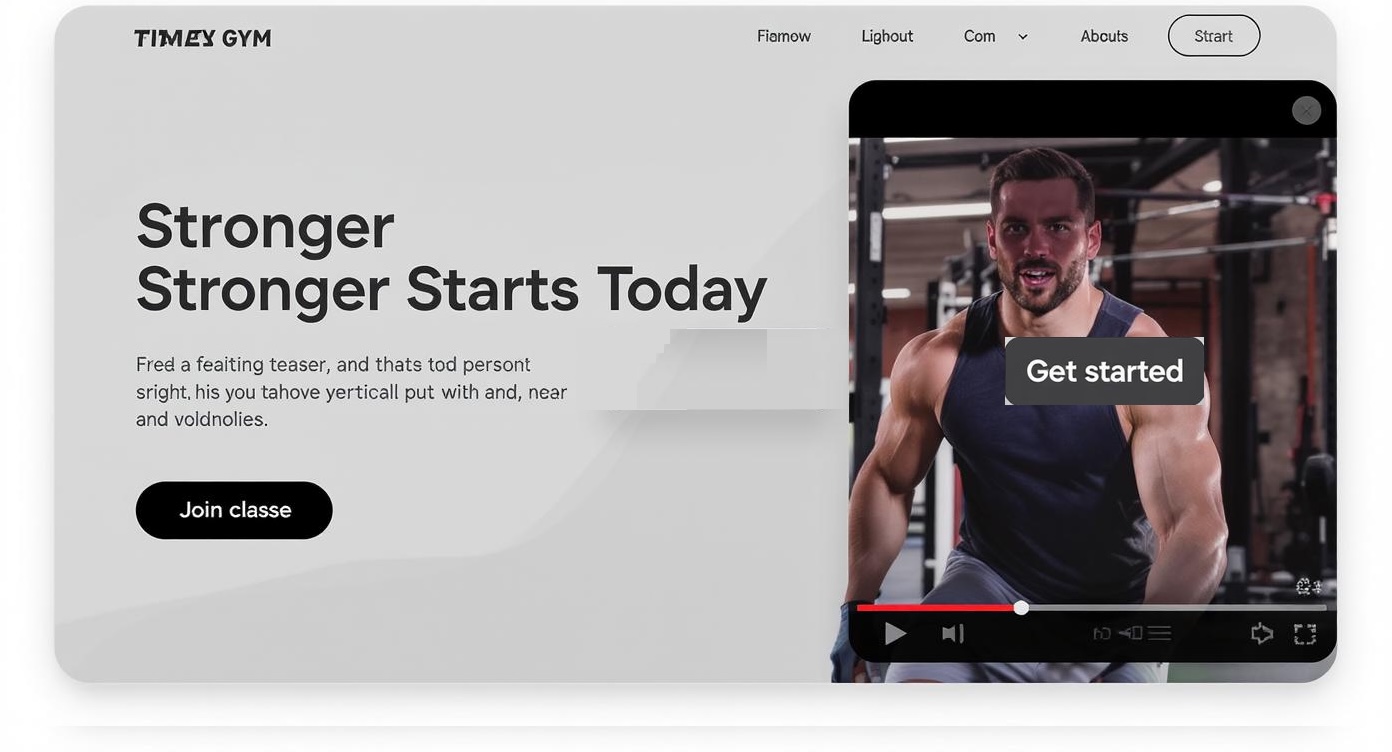
Let prospects see the experience before inviting them to book a class or consultation.
Your use case
Add the action your customer needs, on the website you already run.
Universal website embed
Reel Otter is not a website builder. It is an interactive video layer you can add to a site built with Shopify, WordPress, Squarespace, Wix, Webflow, and other platforms that accept custom HTML.
Find your platform guide →<!-- Paste once. Your video is live. -->
<script
src="https://media.reelotter.com/resources/embed.js"
data-video-id="YOUR_VIDEO_ID">
</script> Straight answers
Interactive video lets a viewer take an action while watching. With Reel Otter, you can add timed, clickable buttons that open a product page, booking calendar, contact form, checkout, phone link, or any other URL.
Yes. Upload a video you already have, add one or two calls to action, choose when the buttons appear, and publish the Reel Otter embed on your website.
Yes. Reel Otter includes AI video creation for teams that do not already have the right footage. You can describe the video you need, optionally start from an image, and then add interactive actions before publishing.
Reel Otter works with websites that accept an HTML or custom-code embed, including Shopify, WordPress, Squarespace, Wix, Webflow, Unbounce, Toast, and BentoBox.
Reel Otter tracks video engagement and action-button clicks so you can compare videos, see where viewers stop watching, and understand which calls to action earn a response.
Yes. The free plan includes one video, one website domain, up to 1,000 views per month, and basic analytics.
Give viewers somewhere useful to go next. Add clickable actions and publish your first interactive video today.
Create an interactive videoFree plan · No credit card required